Activity sidebar
Activity sidebar
The Activity sidebar shows account-specific history without leaving the Account Detail page. Use it to understand what changed and when.
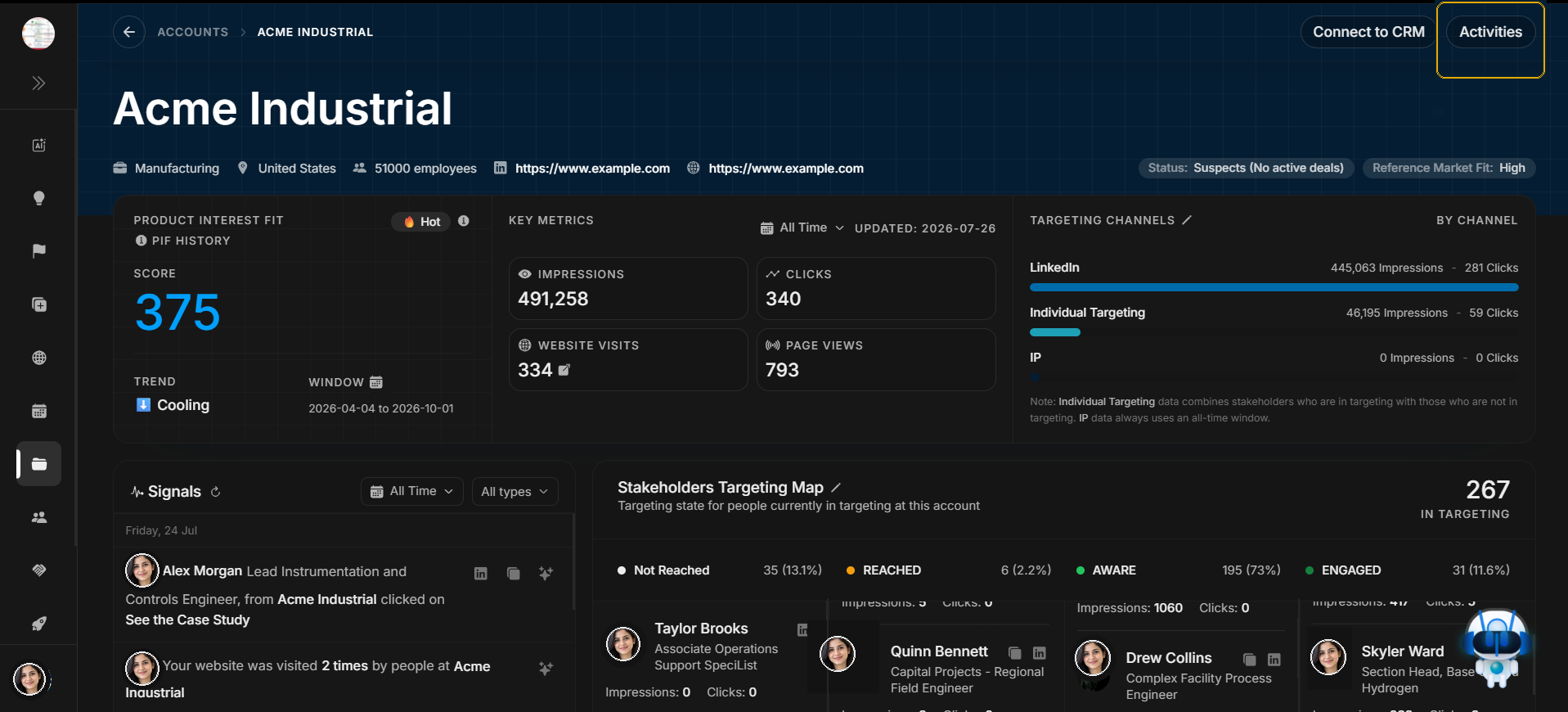
Open Activities
Image guide: The highlighted Activities button sits in the account header. It opens the account activity drawer.
Read the sidebar
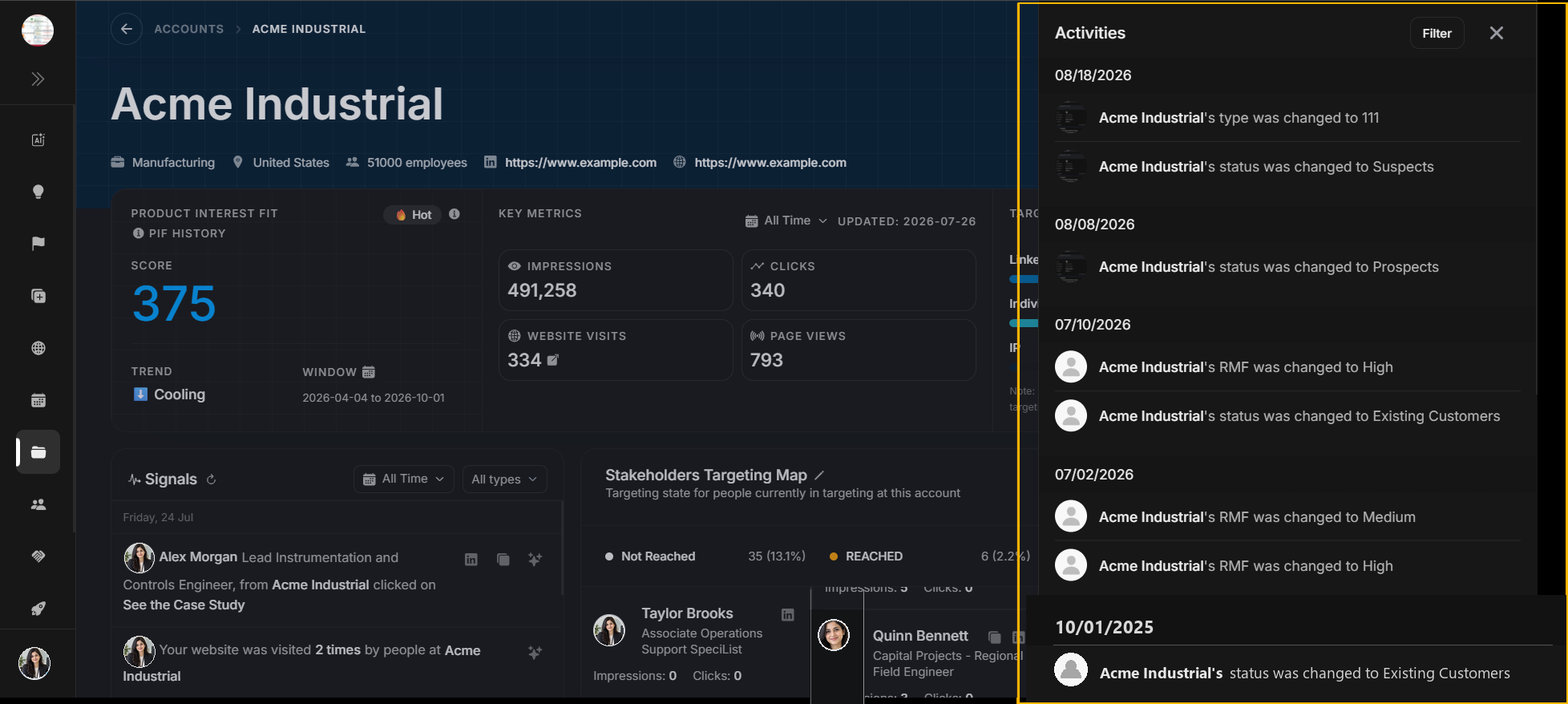
Image guide: The sidebar opens over the page and lists activity records connected to this account. Read the newest activity first before scrolling into older history.
Filter account activity
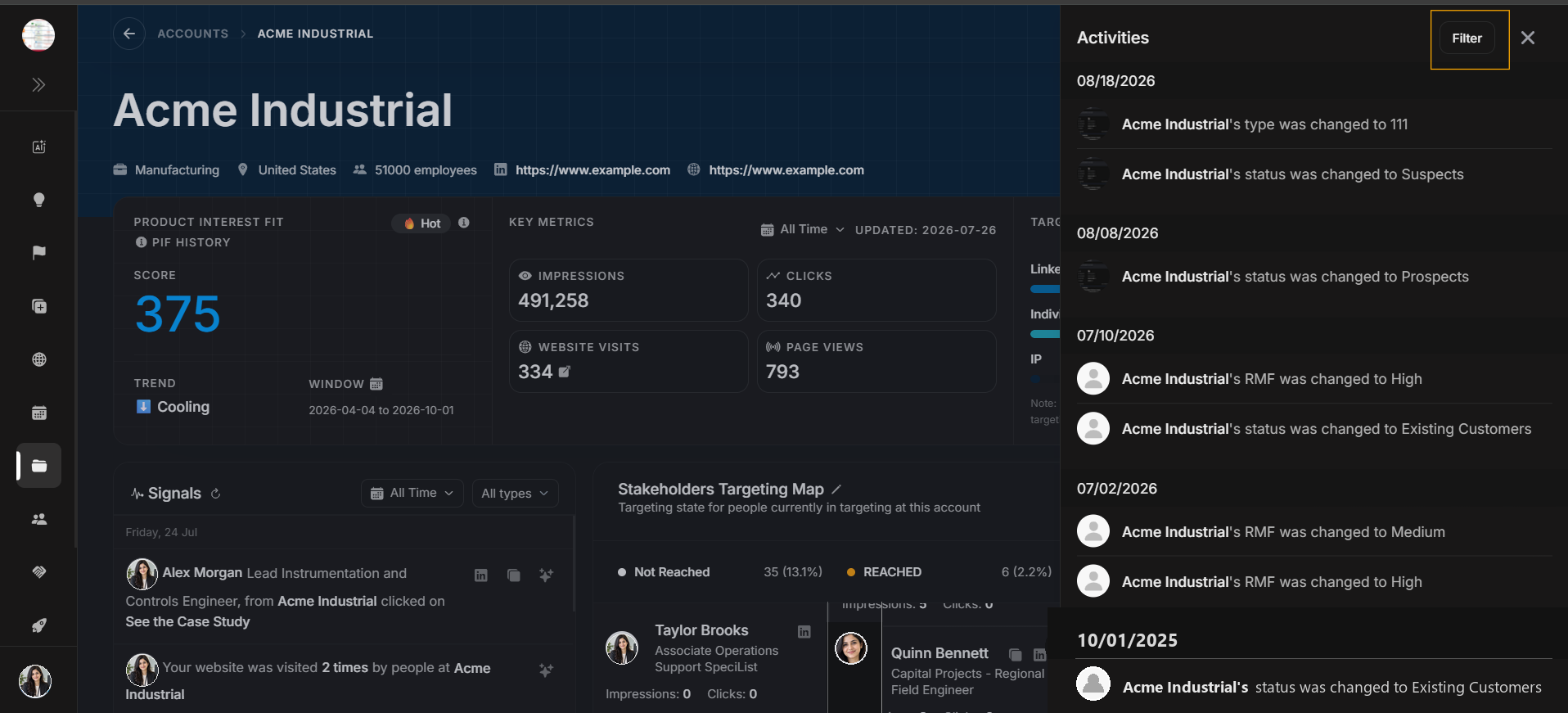
Image guide: The highlighted Filter button belongs to the Activity sidebar, not the Accounts table and not the Deals panel.
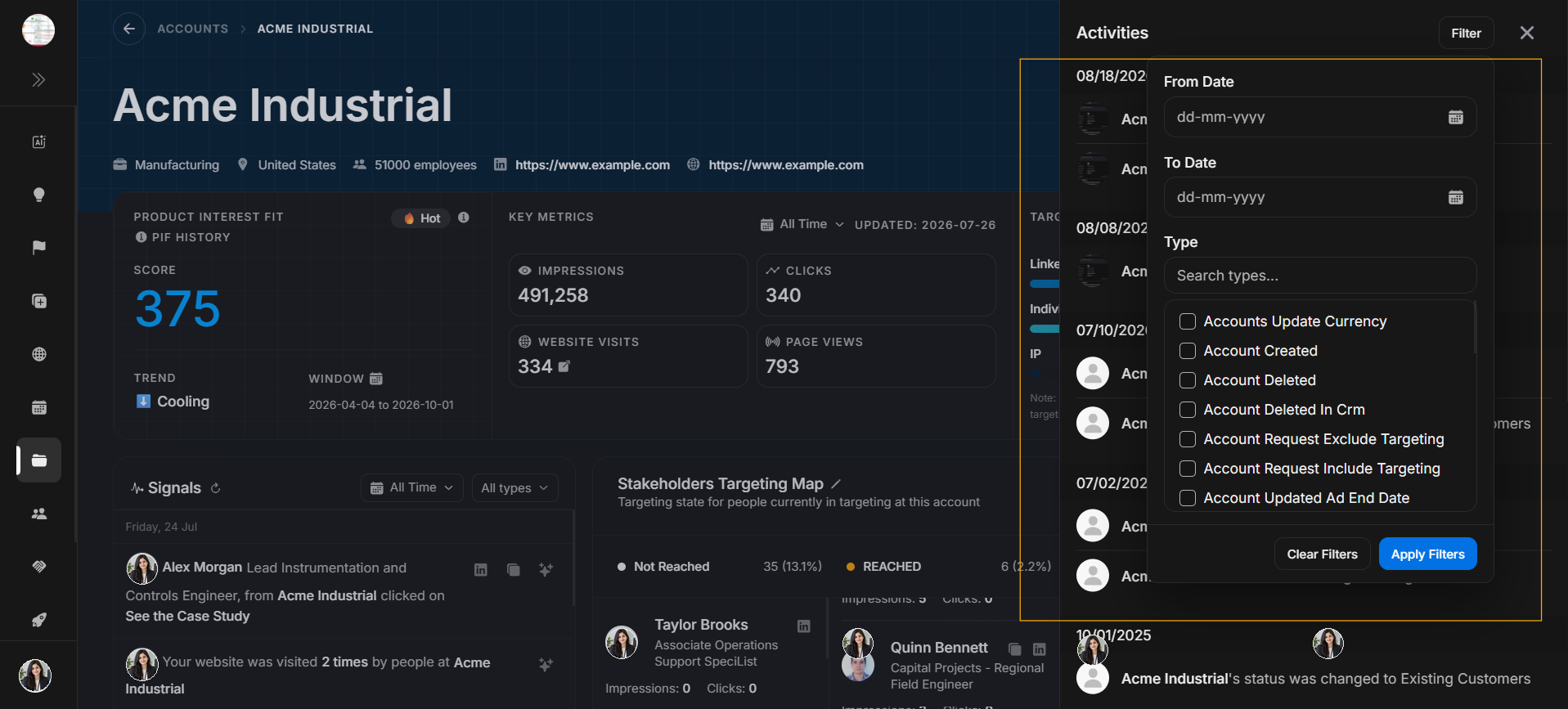
Image guide: The modal filters activity history by date range and activity type. Use it when the sidebar has too many records to scan manually.
Step-by-step
- Open the account.
- Select Activities from the header.
- Read the newest activity group first.
- Use Filter if you need a date range or activity type.
- Clear or close filters before assuming no history exists.
Activity versus signals
| Use | Choose |
|---|---|
| Who changed something in DOE | Activities. |
| What the account or market did recently | Live Signals. |
| Meetings, notes, and scheduled records | Events. |