Read, export and give feedback
Read, export and give feedback
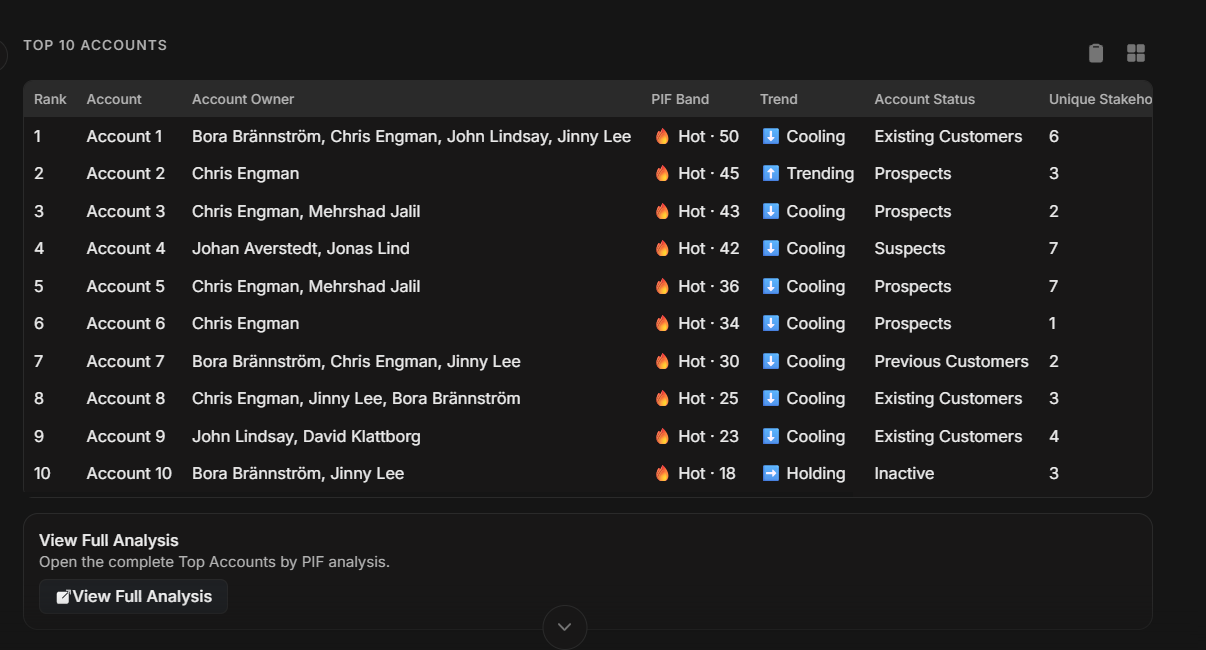
Njord AI answers can include plain text, tables, cards, suggested follow-ups, full analysis and export options. Read the answer before sharing it, especially if it affects prioritization or customer communication.
Image guide: this screenshot shows a structured answer. Use the summary to understand the recommendation, then check the details or table before acting.
Read The Answer In Order
Use this review order:
- Read the headline or summary.
- Confirm the record or list used.
- Confirm the time range.
- Review the evidence.
- Check any recommendation.
- Decide whether to ask a follow-up.
If the answer skips the evidence, ask for it.
Understand Common Response Parts
| Response part | What it is for |
|---|---|
| Summary | Quick explanation of the main answer. |
| Bullets | Scannable points for easy reading. |
| Table | Ranking, comparison, or structured list. |
| Card | Key facts about one record. |
| Suggested follow-up | A fast way to continue the same thread. |
| Full analysis | Longer explanation and reasoning. |
| Notice | Important context about missing data or limits. |
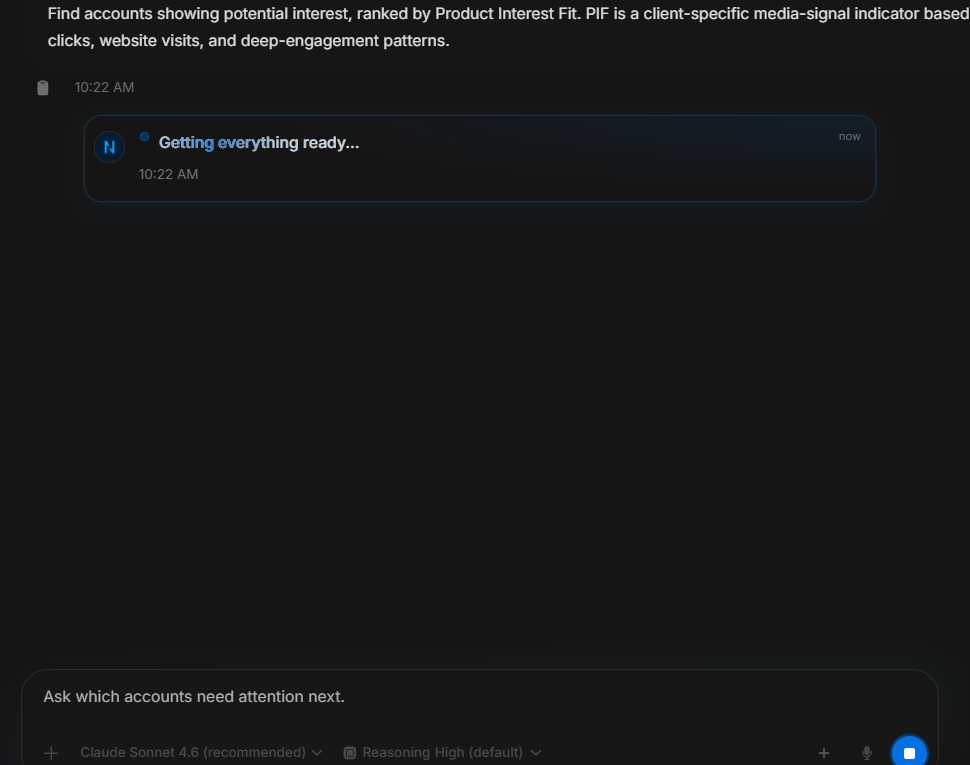
Image guide: this screen shows Njord AI writing an answer. Wait while useful content is still appearing. Stop only when the prompt was wrong or the answer is no longer needed.
Tables And Row Actions
Tables are useful when the answer ranks or compares items. Check:
- What each row represents.
- Which column is used for sorting.
- Whether counts use the expected date range.
- Whether the row action opens or inserts the right item.
If a table is too wide, open it on desktop or export when available.
Copy And Export
Use Copy for quick reuse in an internal note, email draft, chat message, or task description.
Use export options when you need a cleaner artifact:
- Export as Markdown for editable text.
- Export as PDF for a shareable document.
Before sharing outside your team, remove internal comments and verify customer-facing claims.
Regenerate The Answer
Use regenerate options when the answer is directionally useful but not in the right form.
| Regenerate option | Use it when |
|---|---|
| Shorter | The answer is too long for the audience. |
| Deeper | You need more reasoning and evidence. |
| Actionable | You need clearer next steps. |
Give Feedback
Feedback helps improve future answers. Use it when the answer is useful and when it is not.
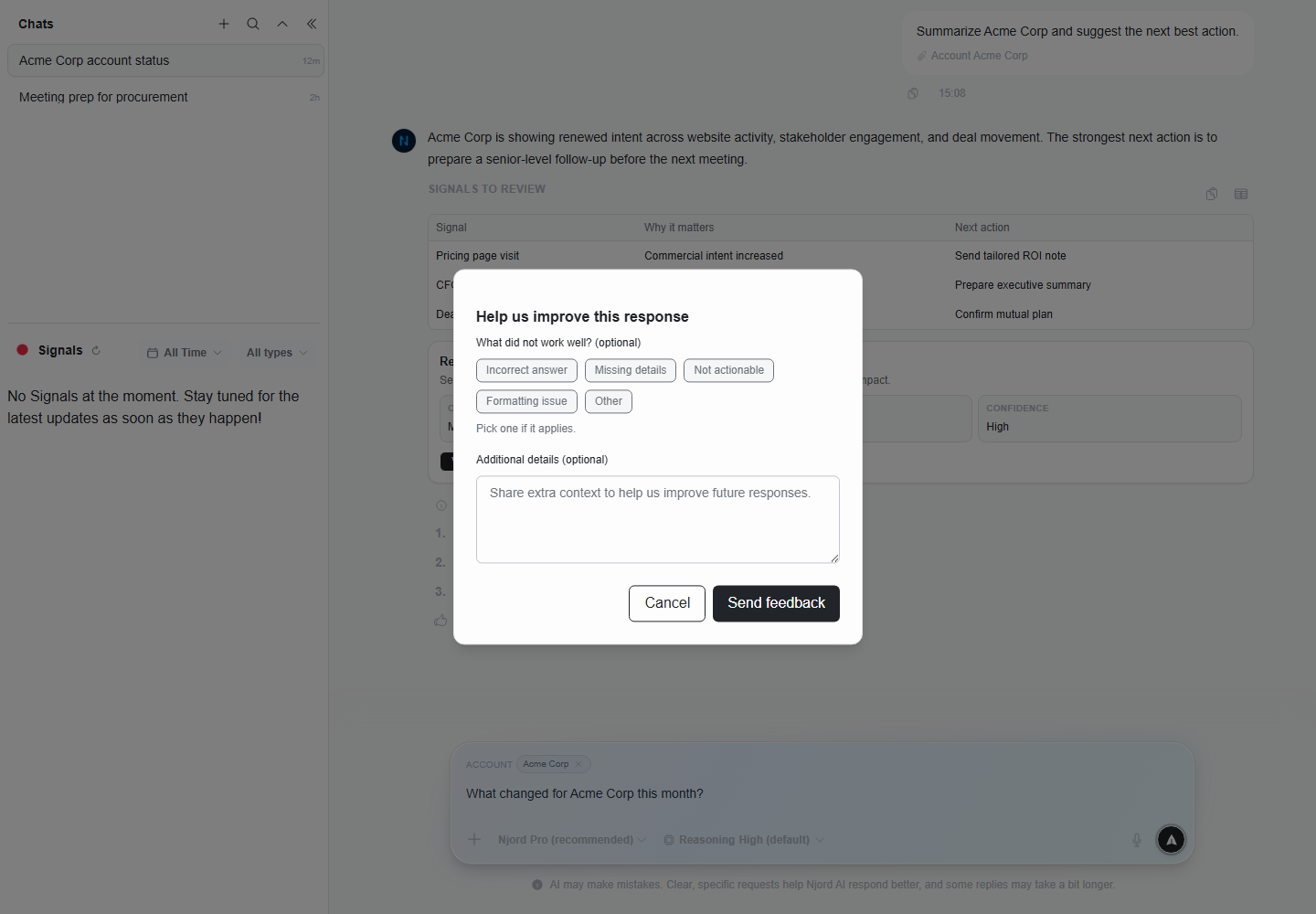
Image guide: the feedback dialog lets you choose why a response was not helpful. Add a short note if the reason is specific, such as wrong account, missing evidence, or unclear action.
| Feedback choice | Use it when |
|---|---|
| Helpful | The response answered the question and can be used. |
| Incorrect answer | The response made a wrong claim. |
| Missing details | Important evidence or context was left out. |
| Not actionable | The response did not lead to a clear next step. |
| Formatting issue | The response was hard to read or use. |
Before Acting On An Answer
Ask yourself:
- Did Njord AI use the correct source?
- Is the date range right?
- Is the recommendation supported by evidence?
- Is anything stated too confidently?
- Should I verify the account or stakeholder record?