Breadcrumb and page location
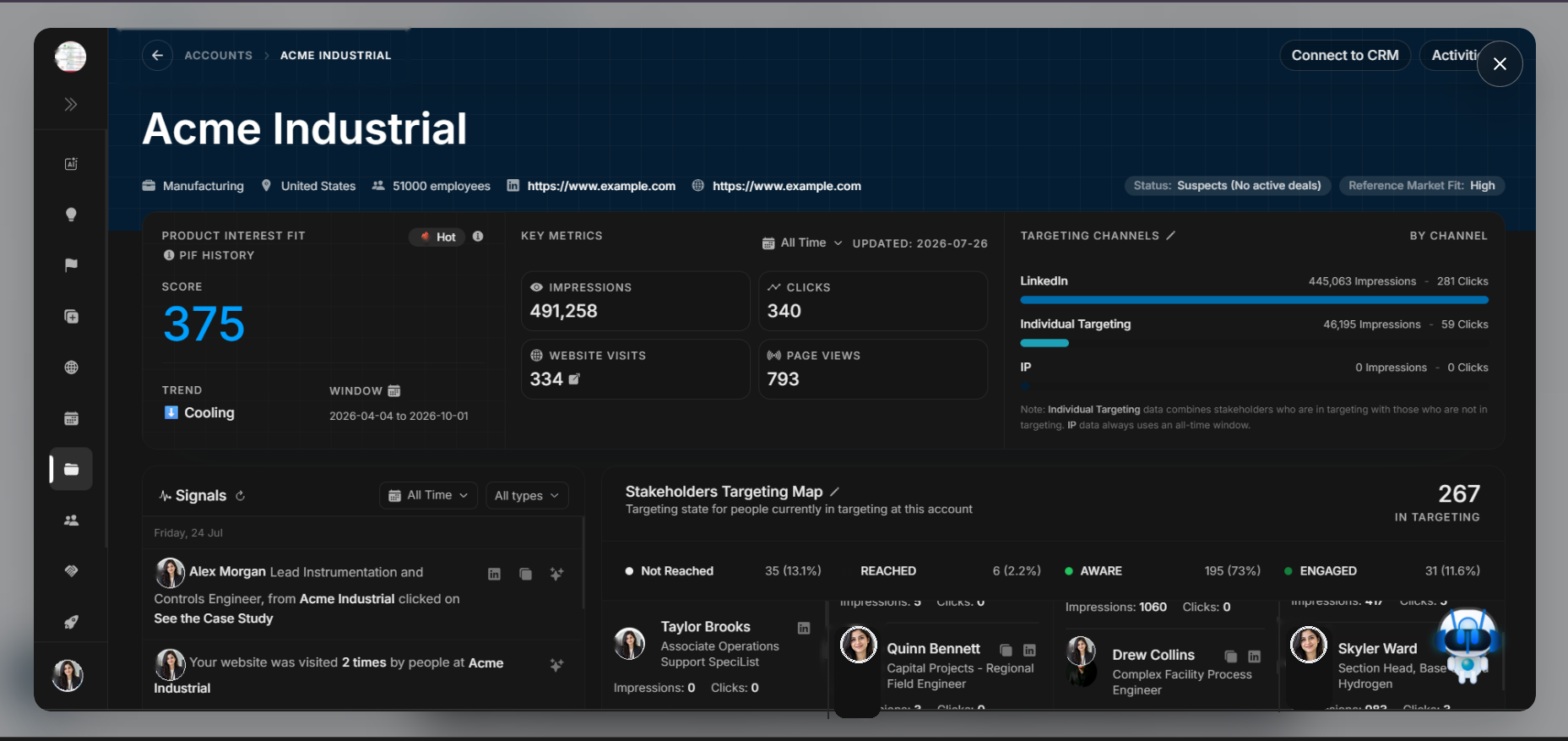
Breadcrumb and page location
The breadcrumb confirms where the user is inside DOE and gives a way back to the Accounts list.
Image guide: The breadcrumb shows Accounts followed by the selected account name. Use it to confirm location before editing or reviewing deeper sections.
Why this matters
Breadcrumbs prevent accidental edits on the wrong account. When users open multiple records during research, it is easy to lose context. The breadcrumb and account name should always be checked before reviewing stakeholders, changing CRM connection, or logging events.
Use the breadcrumb to return to the account list when the task changes from one company review back to account discovery.
Step-by-step
- Check that the breadcrumb says Accounts.
- Confirm the account name shown after the breadcrumb.
- Use the back arrow or breadcrumb to return to the Accounts list.
- Continue only after confirming the right account is open.