Read and export completed meeting notes
Read and export completed meeting notes
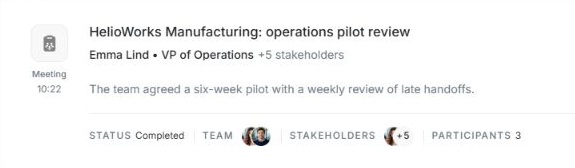
Open Timeline or the Events section of the related account, deal or stakeholder. Find a completed meeting and choose its row. For example, the fictional HelioWorks pilot review appears in the account's Events section.
| View | What it helps you check |
|---|---|
| AI Summary | Read the main point, overview, notes and actions when those sections are available. Start with Actions when you need the next owner and task. |
| Our Analysis | Review the suggested outcome, risks and next step. Check these interpretations against what the team agreed. |
| Transcript | Read the recorded conversation when you need to check the original wording. Use Show transcript to switch and Show meeting notes to return. |
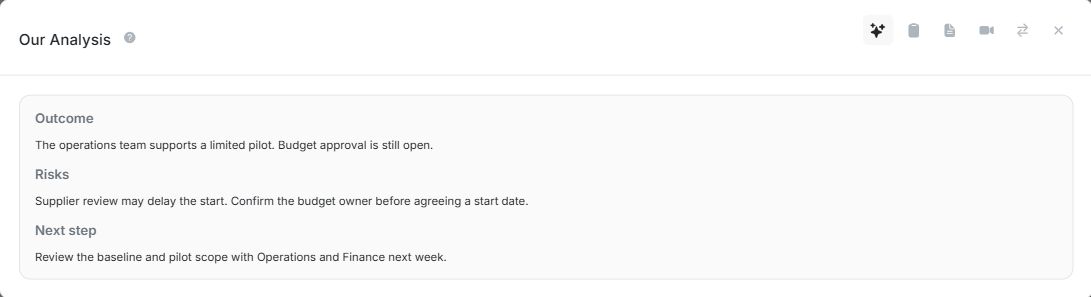

Check the title at the top before choosing Copy or exporting. Both actions use the view currently open. On desktop, Export as PDF opens the print window, where you can choose Save as PDF. If a recording is available, use Meeting recording options to see the available actions.
If the row is still processing or shows a failure, read its status. Transcript, analysis and recording are shown when available. Team lists attached teammates, Stakeholders lists linked contacts, and Participants shows attendees the meeting captured.