Media impact movements
Media impact movements
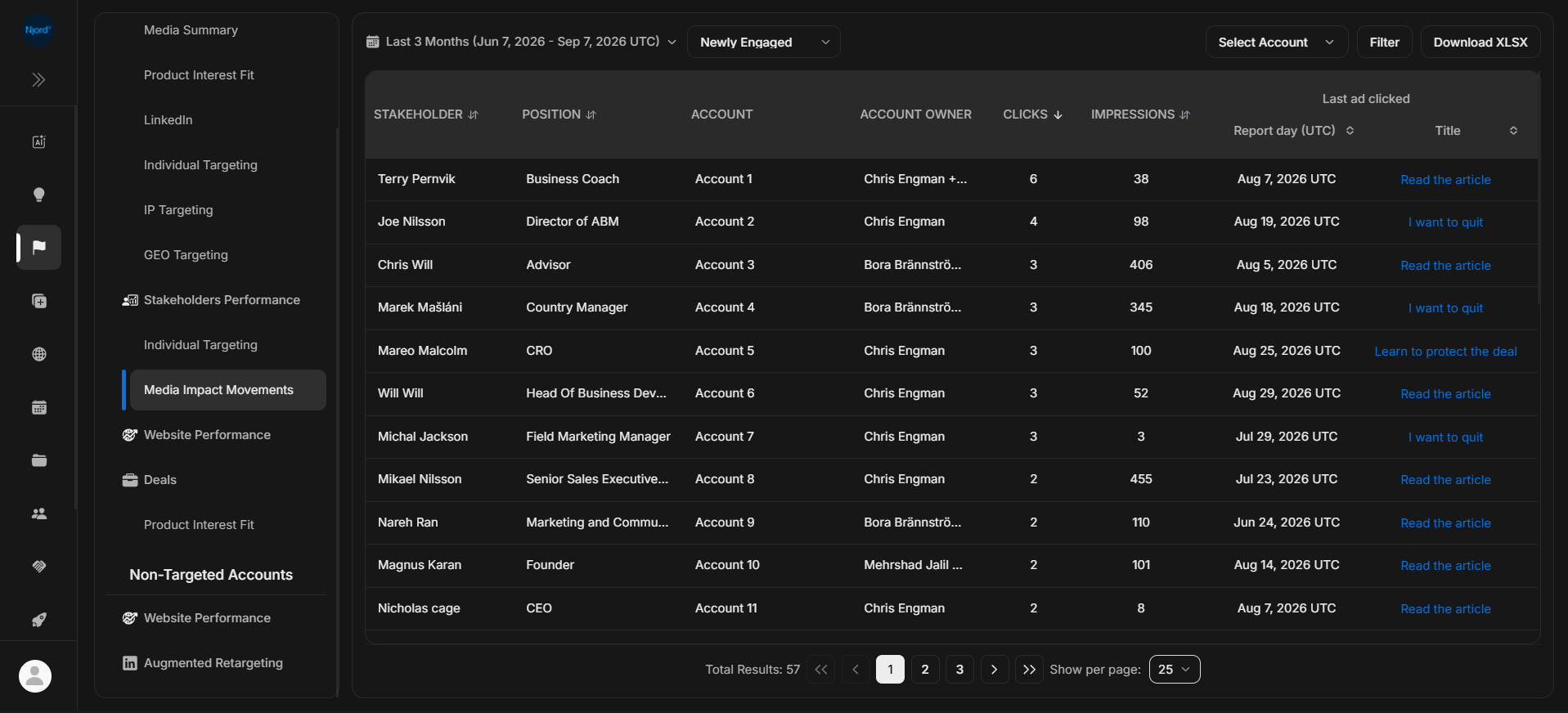
Media Impact Movements shows stakeholders who newly moved into reached, aware, or engaged states. Use it to understand recent people-level movement behind impact cards and signals.
Where it sits in DOE: Reports > Targeted Accounts > Stakeholders Performance > Media Impact Movements.
The movement type filter can show Newly Engaged, Newly Aware, and Newly Reached stakeholders. At least one movement type must be selected to generate the report.
Use This Report To
| Need | How this report helps |
|---|---|
| Find recent movement | See people who newly changed impact state. |
| Explain impact-card changes | Connect movement to stakeholders, accounts, clicks, impressions, and clicked content. |
| Review one account | Use Select Account to focus on one company. |
| Decide follow-up priority | Start with senior roles, recent clicks, and important accounts. |
Main Columns
| Column | What the column tells you |
|---|---|
| Stakeholder | Person whose impact state moved. |
| Position | Role or title where available. |
| Account | Company connected to the stakeholder. |
| Account Owner | Owner responsible for the account. |
| Clicks | Activity behind the movement. |
| Impressions | Exposure behind the movement. |
| Last ad clicked | Latest report day and clicked content where available. |
Movement Types
| Movement | What changed |
|---|---|
| Newly Reached | The stakeholder recently gained reach evidence. |
| Newly Aware | The stakeholder recently moved into awareness-level evidence. |
| Newly Engaged | The stakeholder recently showed stronger engagement, usually the highest-priority movement. |
This report uses UTC report days. Use the same duration when comparing it with stakeholder reports, Insights, or exports.
If It Does Not Look Right
Check that a movement type is selected, clear filters, and remove account selection. If a stakeholder is not present, they may not have newly changed state during the selected window.