Fix a stuck answer
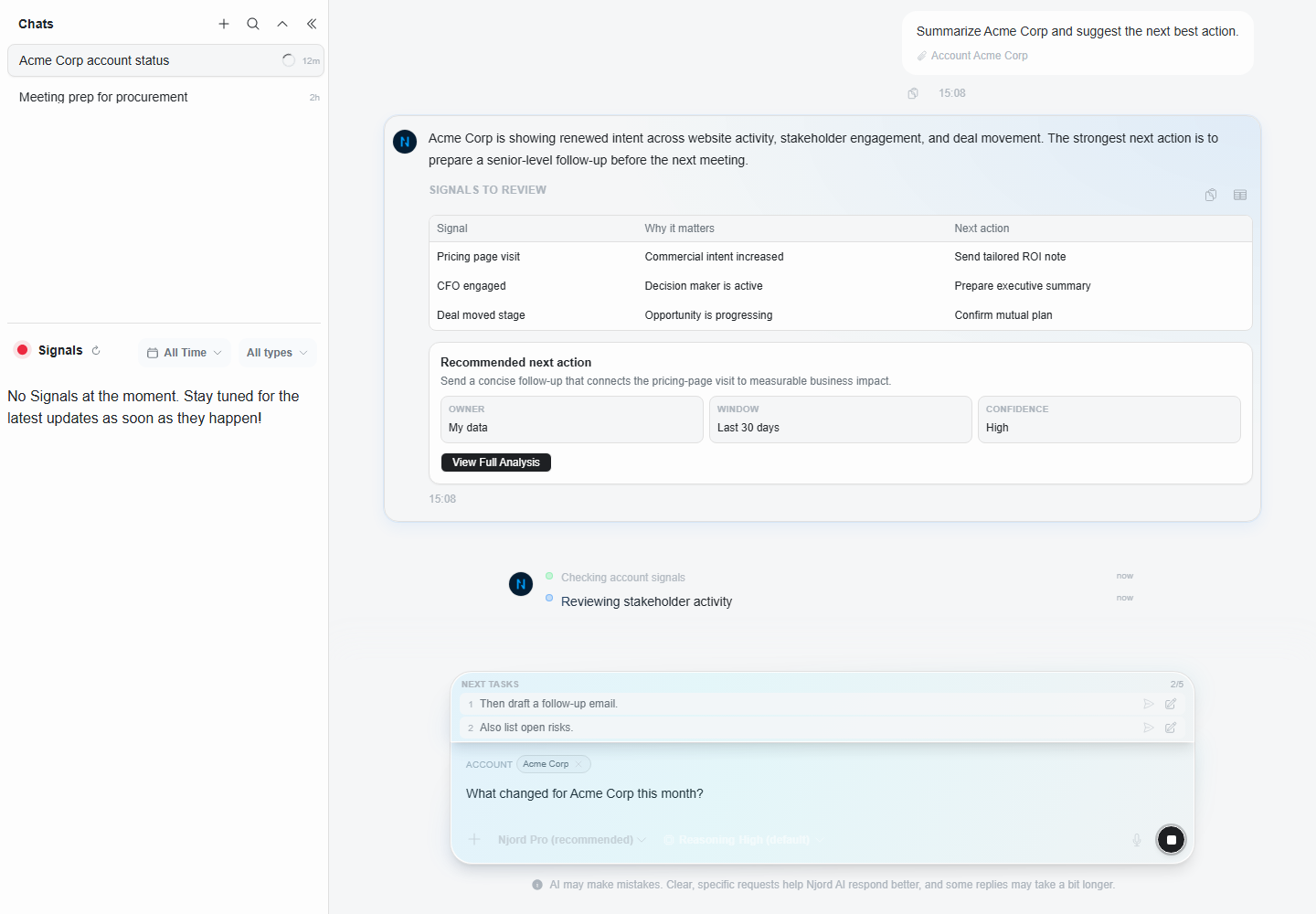
Fix a stuck answer
If Njord AI takes too long, stops early, or answers the wrong thing, you can usually fix it by stopping, retrying, narrowing the prompt, or starting a clean chat.
Image guide: this screenshot shows queued follow-ups. A queued follow-up waits until the current answer finishes. Use queues only for questions that belong to the same topic.
What You Might See
You may notice:
- The answer keeps loading for longer than expected.
- The response stops before it finishes.
- A follow-up waits behind another response.
- The answer uses the wrong account, stakeholder, or time range.
- The answer says it cannot use a record or context.
- The result is too broad to act on.
First Checks
Before changing settings, check:
- Is the answer still writing useful content?
- Did you attach the right context?
- Did you choose the right time range?
- Is the prompt asking for too many things at once?
- Are you continuing an old chat that has unrelated context?
What To Try
| Situation | Best action |
|---|---|
| The prompt was wrong | Stop the answer and ask again. |
| The answer stopped early | Retry once. |
| The answer is too broad | Ask a narrower follow-up. |
| The wrong record was used | Remove the context chip or start a new chat. |
| Several records are mixing the answer | Keep only the records needed for one comparison. |
| The same issue repeats | Start a clean chat and ask a shorter question. |
Make The Prompt Easier
Instead of:
"Analyze everything happening with this account and tell me what sales and marketing should do."
Use:
"For this account, summarize stakeholder clicks and website visits from Last 30 Days. Give three next actions."
The second version gives Njord AI a clear subject, data type, time range and output.
Check Attached Records
Wrong context is a common reason for weak answers. Check the context chips before retrying.
Remove anything that:
- Belongs to a previous customer.
- Is not part of the current decision.
- Names a similar but wrong company.
- Is part of a broad selection that is not needed for this question.
If You Left The App While It Was Answering
Njord AI can continue working if the browser is put in the background, the phone is locked, a call interrupts the app, or the connection briefly drops. When you return, reconnect to the internet and give the chat a moment to refresh before sending the same question again.
If the completed answer appears, continue normally. If the chat still shows that it is waiting, keep the prompt available and use Retry only after the refresh has had time to finish.
When To Start Over
Start a new chat when:
- You changed accounts or stakeholders.
- You changed from sales work to marketing work.
- The earlier chat includes unrelated questions.
- You need a clean answer for a meeting brief or leadership update.
What To Ask After Starting Over
Use a clean restart prompt:
"Start fresh. Use only [record or list] and [time range]. I need [output]. If data is missing, say what is missing instead of guessing."