Export To HubSpot
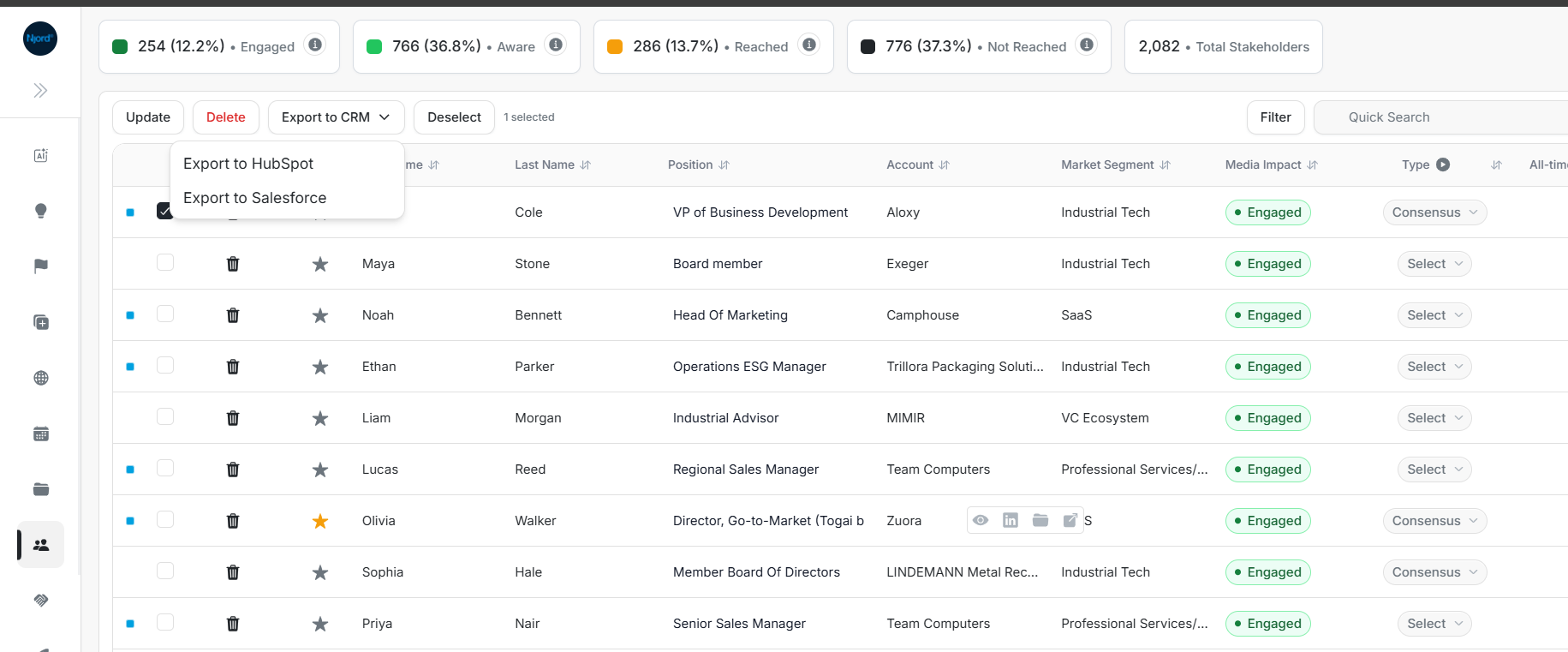
Export to HubSpot
Use export when a record starts in DOE and should exist in HubSpot. DOE creates or safely links HubSpot records, then saves the HubSpot ID on each successful DOE record.
Image guide: Select DOE rows, open Export to CRM, and choose HubSpot when more than one CRM is connected.
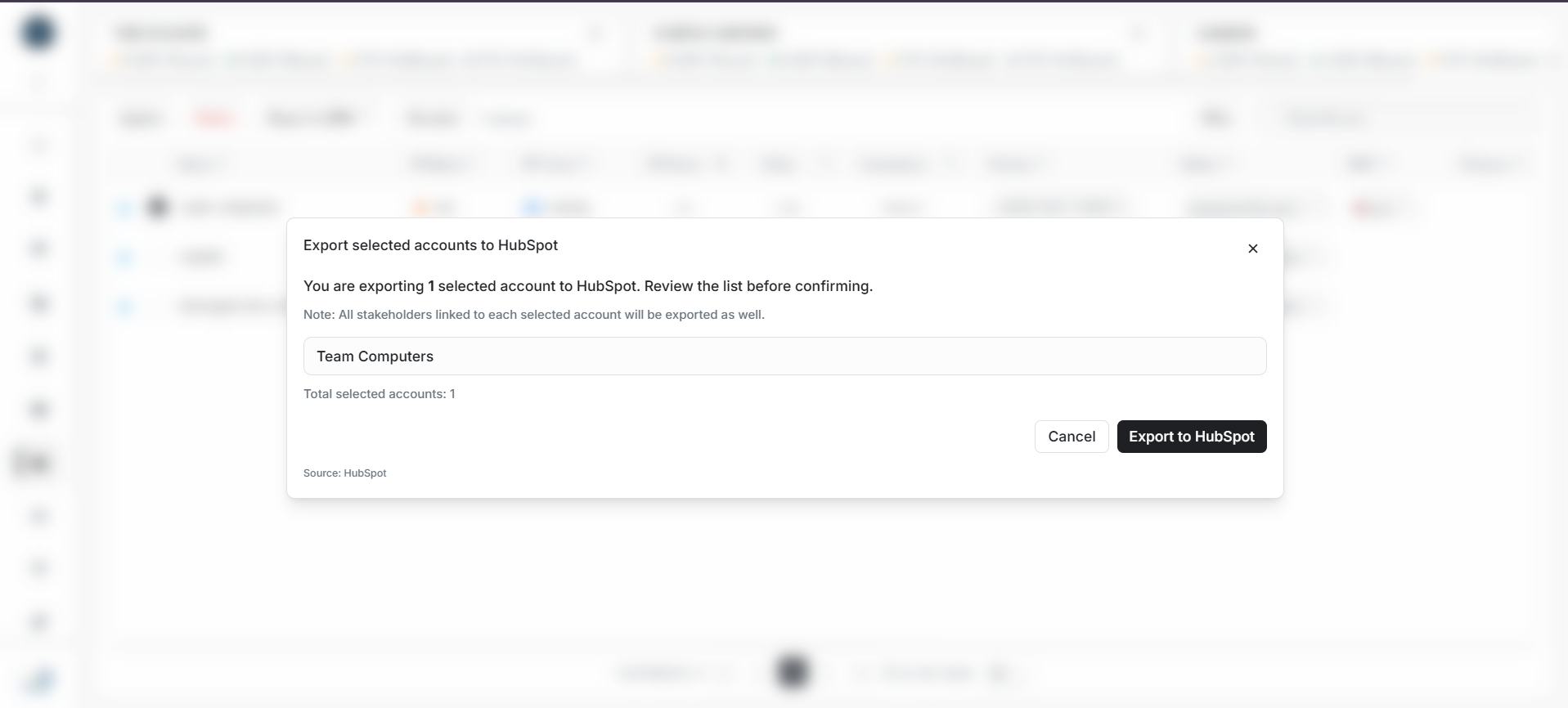
Image guide: Review the selected DOE accounts before confirming that they should be exported to HubSpot.
Video guide: Follow selected DOE records through export, linking, and the final result rows.
Export accounts step by step
- Open Accounts in DOE.
- Select one or more active accounts.
- Select Export to CRM.
- Choose HubSpot when DOE asks for a provider.
- Review the selected accounts and confirm.
- Keep the result dialog open until the totals appear.
- Review created, linked, already-mapped, warning, and skipped rows.
- Open a successful account and select View in HubSpot.
An account without a valid domain can still be exported and mapped by the new HubSpot company ID. A domain is useful for finding an existing company, but it is not required for DOE to keep the final link.
Export stakeholders step by step
- Confirm the stakeholder's parent DOE account is active and mapped to the correct HubSpot company.
- Open Stakeholders, or the stakeholder list inside the account.
- Select one or more people.
- Select Export to CRM and choose HubSpot.
- Confirm the export.
- Review every warning or skipped row.
- Open successful stakeholders with View in HubSpot.
- In HubSpot, confirm the contact is associated with the correct company.
A stakeholder without email can still be exported and mapped by the new HubSpot contact ID. Email improves matching, but DOE does not need to invent an email to keep the saved link.
Read the result before closing
| Result | Meaning | What to do |
|---|---|---|
| Created | DOE created a HubSpot company or contact | Open it and verify the profile |
| Linked | DOE found one safe existing HubSpot record | Check the record if the match was unexpected |
| Already mapped | The DOE record already has a HubSpot link | No action unless the link is wrong |
| Warning | The main record succeeded, but a field or contact association needs review | Read and fix the named row only |
| Skipped | DOE could not safely create or link that row | Correct the stated issue, then retry that row |
The overall export can succeed while some rows are skipped. Do not export the entire batch again without reading the result; that can create avoidable review work. Retry only the affected records.
Common edge cases
| Problem | What to do |
|---|---|
| Account is archived or not verified | Restore and verify it before export |
| Account is already mapped | Open the existing HubSpot link or disconnect it before remapping |
| Several DOE accounts match one HubSpot company | Export cannot map the same company to all of them; review and connect the correct account |
| Stakeholder's parent account is not mapped | Export or connect the account first |
| HubSpot contact could not be associated with the company | Check HubSpot permissions and the parent company, then retry that stakeholder |
| HubSpot contact is already linked to another stakeholder | Review the existing mapping and avoid creating a second link |
| HubSpot requires re-authentication | Ask the connection owner to reconnect |
| More than one CRM is connected | Choose HubSpot explicitly instead of relying on a default |
Pick import, export, or connect
- Import when the record exists in HubSpot but not DOE.
- Export when the record exists in DOE but not HubSpot.
- Connect when both records already exist.
- Disconnect, then connect again, when the saved link points to the wrong record.